Montessori school marketing without click-chasing
Montessori school marketing works when it treats every inquiry as a seat that is either filled or lost, not as a click to count. If your classrooms have open spots and word-of-mouth has plateaued, the problem is almost never that too few parents have heard of you.
Here is what this guide covers, in priority order:
Your board needs a number, not a percentage: cost per enrolled seat is the metric that justifies every marketing dollar.
Google Business Profile is where most Montessori schools lose families before a tour is ever requested.
A single, clear tour call-to-action on every website page outperforms a beautifully designed site with no conversion path.
Responding to an inquiry within five minutes is the single highest-leverage action you can take to increase tours booked.
Automated reminders, not staff follow-up calls, are what close the gap between tours scheduled and tours that actually happen.
At BRIT Childcare, we work exclusively with childcare centers, preschools, and Montessori schools across the U.S. We built our Enrollment Automation System specifically because we kept seeing the same pattern: healthy inquiry volume, empty seats, and staff burning time on manual follow-up that was never fast enough. Our clients regularly reach 10 to 40 scheduled tours per month, and we track every step of the funnel to show exactly where families are dropping off and why.
Before any channel or tactic makes sense, you need a number your board will actually accept.
That starts with understanding what a filled seat is worth, what you are currently spending to get one, and where your funnel is leaking between inquiry and enrollment. The math is simpler than most owners expect, and it changes every conversation about marketing spend.
Start with the math your board will accept
Before debating which platform to post on or whether to run ads, your board needs one number: what does it cost to put a child in an empty seat? Once you have that number, every marketing decision becomes a business decision, not an opinion.
Cost per enrolled seat
Cost per enrolled seat is the only marketing metric that connects directly to your school's financial health. Calculate it by dividing your total marketing and related labor spend by the number of children who actually enrolled, not the number of families who called or submitted a form.
Start with tuition value per seat. If your annual tuition is $12,000 and a family stays an average of two years, each enrolled child represents $24,000 in revenue. The NAIS Cost-Per-Enrollment Study found the median cost per enrollment for elementary schools is $2,869, which means a well-run school returns roughly eight dollars in tuition revenue for every dollar spent on marketing.
That ratio reframes the board conversation entirely. Marketing spend is not a line item competing with classroom materials. It is the mechanism that fills the seats that fund the classroom materials.
Your 30-day scorecard
Four metrics tell you exactly where your enrollment funnel is leaking. Track them weekly for 30 days and the data will show you where to act, no guesswork required.
Inquiry-to-tour booking rate: what percentage of families who contact you actually schedule a tour? Below 50% usually signals a slow follow-up or a friction-heavy booking process.
Tour show-up rate: of the tours booked, how many families walk through the door? A rate below 70% is a system problem, not a scheduling coincidence.
Tour-to-enrollment rate: of the families who tour, how many enroll?
This is your closing rate and reflects how well the visit matches the expectation you set beforehand.
Cost per enrolled seat: total marketing and labor spend divided by enrolled children for the period, not inquiries received.
These four numbers give your board a repeatable performance review instead of a monthly debate about whether marketing is working.
Why more leads fails
Most childcare centers do not have a lead shortage. They have a conversion problem. Pouring more inquiries into a leaky funnel does not fill seats; it multiplies the leakage.
Slow response is the most common and most costly leak. Harvard Business Review research shows that firms responding to inquiries within one hour are nearly seven times more likely to qualify that lead than firms that wait even 60 minutes. A family searching for Montessori enrollment on a Tuesday afternoon has three or four tabs open. The first school to respond with a clear next step wins the tour.
Booking friction is the second leak. Requiring a phone call to schedule, or sending a long intake form before a tour is confirmed, gives hesitant families a reason to stop. Two-click booking removes that reason.
No-show leakage is the third leak, and it quietly overwhelms staff. When tours do not show up, your director has blocked time, prepared materials, and lost the opportunity to fill that slot with a confirmed family. Automated text reminders address this directly, and the downstream effect on staff capacity is significant.
Priority 1: Fix local intent in Google Business Profile
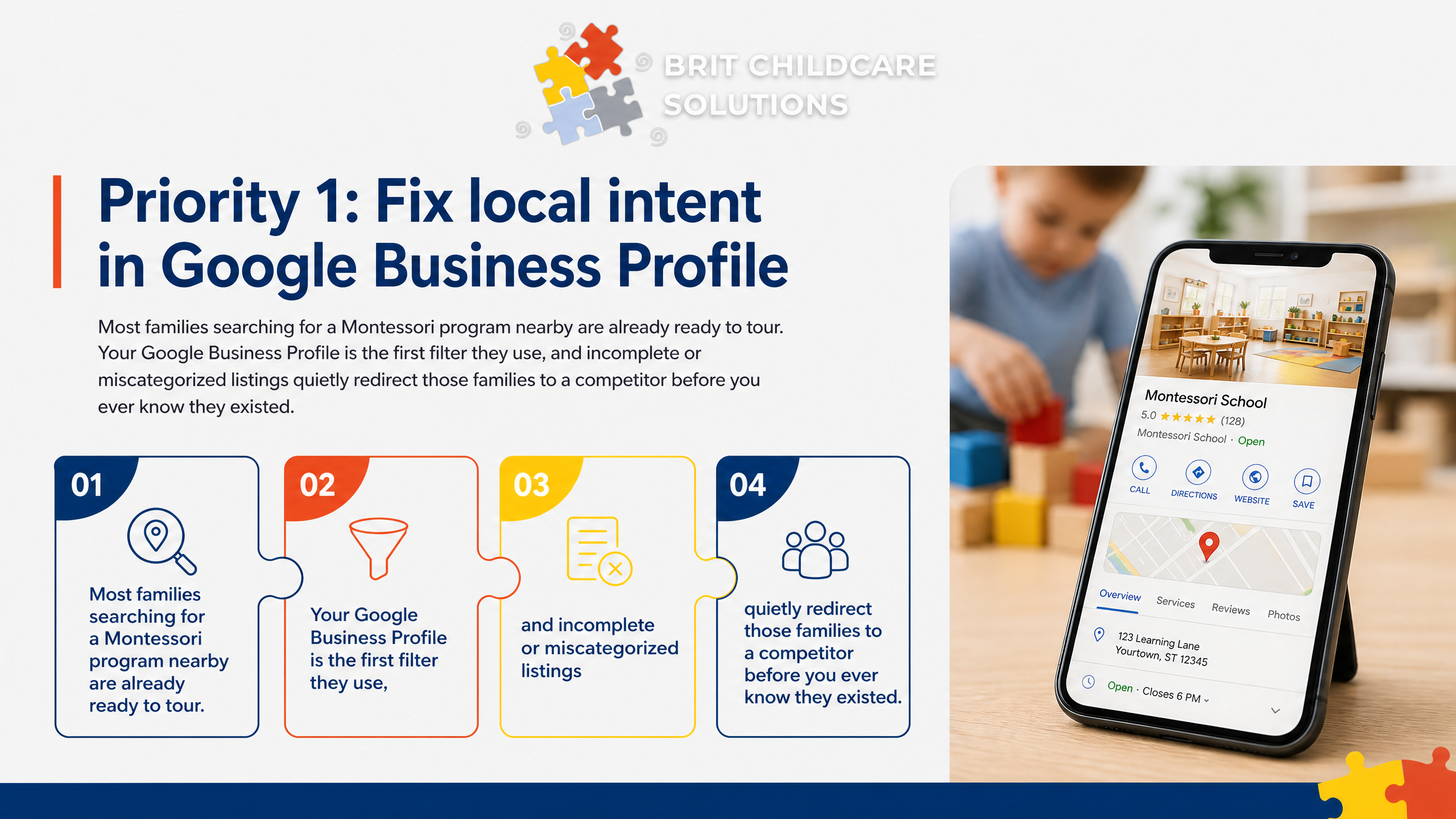
Most families searching for a Montessori program nearby are already ready to tour. Your Google Business Profile is the first filter they use, and incomplete or miscategorized listings quietly redirect those families to a competitor before you ever know they existed.
Categories that drive tour intent
Your primary category should be 'Preschool' or 'Montessori School,' not a generic 'Private School' label. Google uses this category to match your listing to high-intent searches like 'Montessori near me' and 'preschool with toddler program.' A mismatched category means your listing surfaces for the wrong audience or not at all.
Beyond the primary category, add secondary categories that reflect your actual programs. Then complete every attribute Google offers: ages served, whether you accept infants, hours of operation, and whether tours are available by appointment. These fields directly influence whether a parent clicks your listing or scrolls past it.
Primary category: 'Preschool' or 'Montessori School' (not 'Private School' or 'Childcare Center')
Secondary categories: add 'Child Care Agency' or 'Day Care Center' if you serve infants or toddlers
Attributes to complete: age range, hours, languages spoken, wheelchair accessibility, tour availability
Service area: set your radius to match where your enrolled families actually live, not just your zip code
Families searching on mobile often filter by attributes before they ever read your description. Missing fields cost you visibility before you have a chance to make a case.
Photos without child privacy risk
Posting identifiable photos of children online is a real concern, and it is also completely avoidable. Your Google Business Profile can be rich with compelling visual content without a single child's face appearing in it.
Classroom materials close-ups perform well because they show parents exactly what a Montessori environment looks like: the bead chains, the sandpaper letters, the practical life shelves. These images communicate program quality without any privacy exposure. Pair them with exterior shots of your entrance, signage, and welcoming entry area so families recognize the building when they arrive for a tour.
Staff-only photos and hands-only shots of children working with materials round out your gallery. A teacher's hands guiding a child through a pouring activity tells the story without showing a face. Before publishing any image, confirm it aligns with your written photo consent policy and that your policy is applied consistently across all platforms.
Turn GBP into a tour path
Your Google Business Profile should function as a tour-scheduling page, not just a directory listing. The single most important action is placing your tour booking link in the 'Appointment URL' field so it appears as a button directly on your profile. Families searching on mobile need two clicks or fewer to schedule, and any additional friction reduces the chance they follow through.
Set your primary phone number to route directly to whoever books tours, and enable Google messaging if your team can respond within a few hours. Unanswered messages signal to families that your center is unresponsive before they ever visit.
Use GBP posts monthly to highlight your next open house or tour availability. Pre-populate your Q&A section with questions families actually ask: 'Do you offer a toddler program?', 'What ages do you accept?', 'How do I schedule a tour?' Answering these proactively removes the hesitation that causes families to move on without contacting you.
Priority 2: Make every website page lead to one tour action
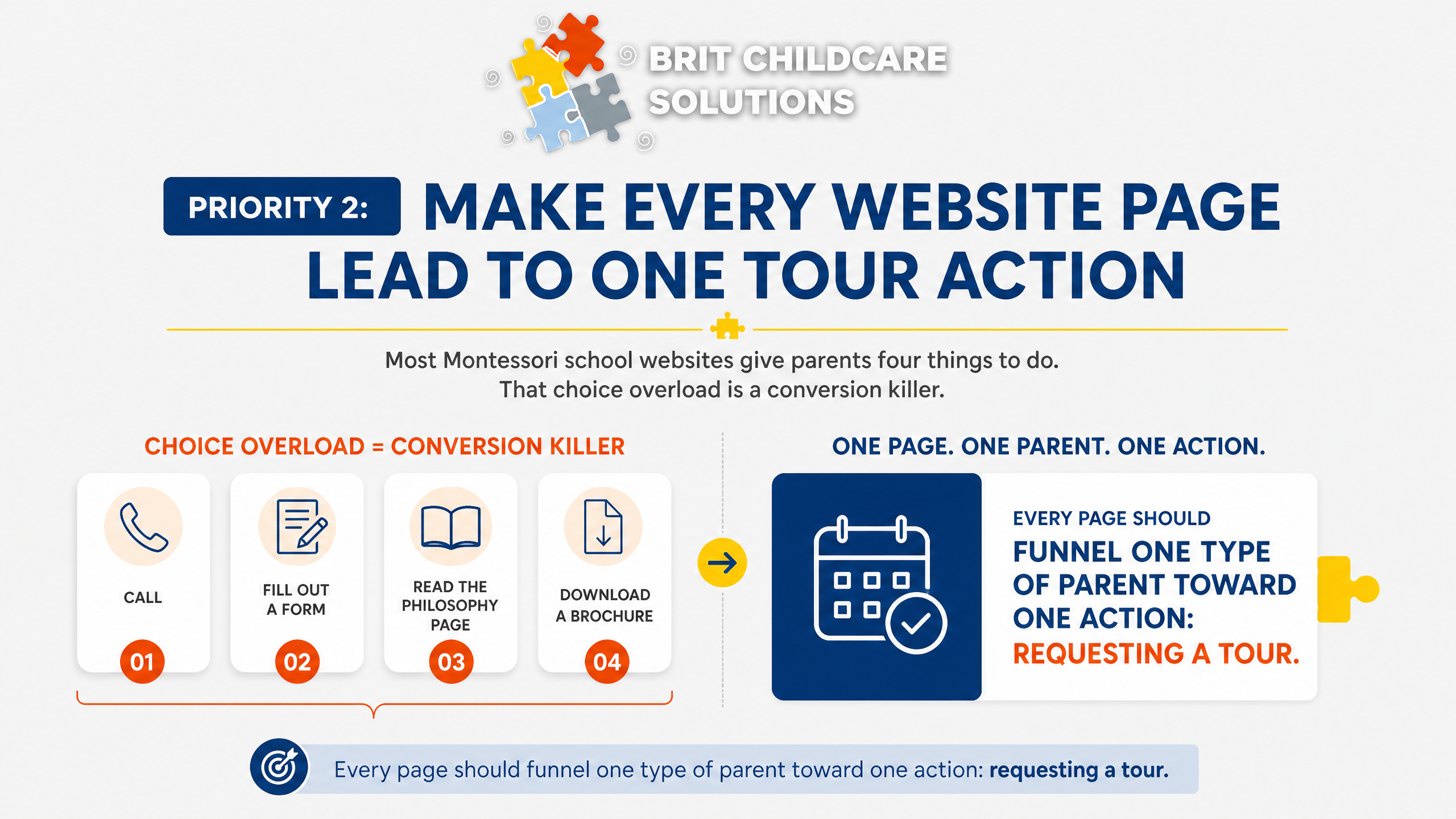
Most Montessori school websites give parents four things to do: call, fill out a form, read the philosophy page, or download a brochure. That choice overload is a conversion killer. Every page should funnel one type of parent toward one action: requesting a tour.
One tour CTA, everywhere
Pick one button label and use it on every page. 'Schedule a Tour' outperforms 'Learn More,' 'Contact Us,' or 'Get Started' because it names the exact next step a ready parent wants to take. Wordstream CTA research found that emails with a single call-to-action increased clicks by 371% and sales by 1,617% compared to messages with multiple competing options. The same principle applies to your website pages.
On mobile, the button belongs above the fold on every page, not buried after three paragraphs of program description. Most parents searching for childcare are on their phones during a lunch break or school pickup. If they have to scroll to find the action, many will not.
Remove duplicate contact paths: one phone number in the footer is fine, but a separate 'Call Us' CTA competing with 'Schedule a Tour' splits attention
Consolidate forms: a single short tour request form (name, child's age, preferred date) replaces lengthy inquiry forms that feel like homework
Sticky header or floating button on mobile ensures the CTA is always visible without scrolling
Fewer choices on each page means more parents reach the booking step.
The parent promise sentence
Philosophy language like 'child-centered learning' and 'intrinsic motivation' means everything to educators and almost nothing to a parent who just wants to know if their three-year-old will thrive. Your parent promise sentence replaces jargon with a specific outcome the parent can picture.
A strong promise names the age group, the location, and the result. For example: 'We help children ages 2 to 6 in [City] build independence and confidence through hands-on learning they actually enjoy.' That sentence is specific enough to create recognition and broad enough to invite a tour.
Place this sentence in three locations: the homepage header, the Google Business Profile description, and the automated confirmation message every parent receives after requesting a tour. The confirmation is often overlooked, but it is the last thing a parent reads before deciding whether to show up.
Qualify families before tours
Montessori is not a fit for every family, and touring the wrong families wastes staff time and produces low enrollment conversion. The fix is a short qualification step built into your tour request flow.
In plain terms, Montessori means children choose their own work within a structured environment, move freely around the classroom, and are grouped across multiple ages. There are no letter grades in the early years, and the teacher guides rather than lectures. Parents who expect a traditional classroom with desks, worksheets, and a single teacher directing the group will be frustrated, and that frustration shows up as a no-show or a post-tour dropout.
Address the two most common criticisms directly in your pre-tour content: that Montessori lacks structure (it has deep structure, just child-directed) and that children will fall behind academically (research consistently shows strong outcomes in literacy and math). A one-paragraph FAQ on your tour request confirmation page handles both objections before the visit.
Your qualification filter can be as simple as two questions on the booking form. Ask about schedule needs (full-day versus part-day) and whether the family has read a short description of the Montessori approach. For families who want more context, reference the 4 Cs that define Montessori learning: Concentration, Coordination, Control of error, and Character.
These are the observable skills parents will see during a tour, and naming them in advance sets the right expectations so tours convert.
Priority 3: Respond in five minutes and automate tour booking
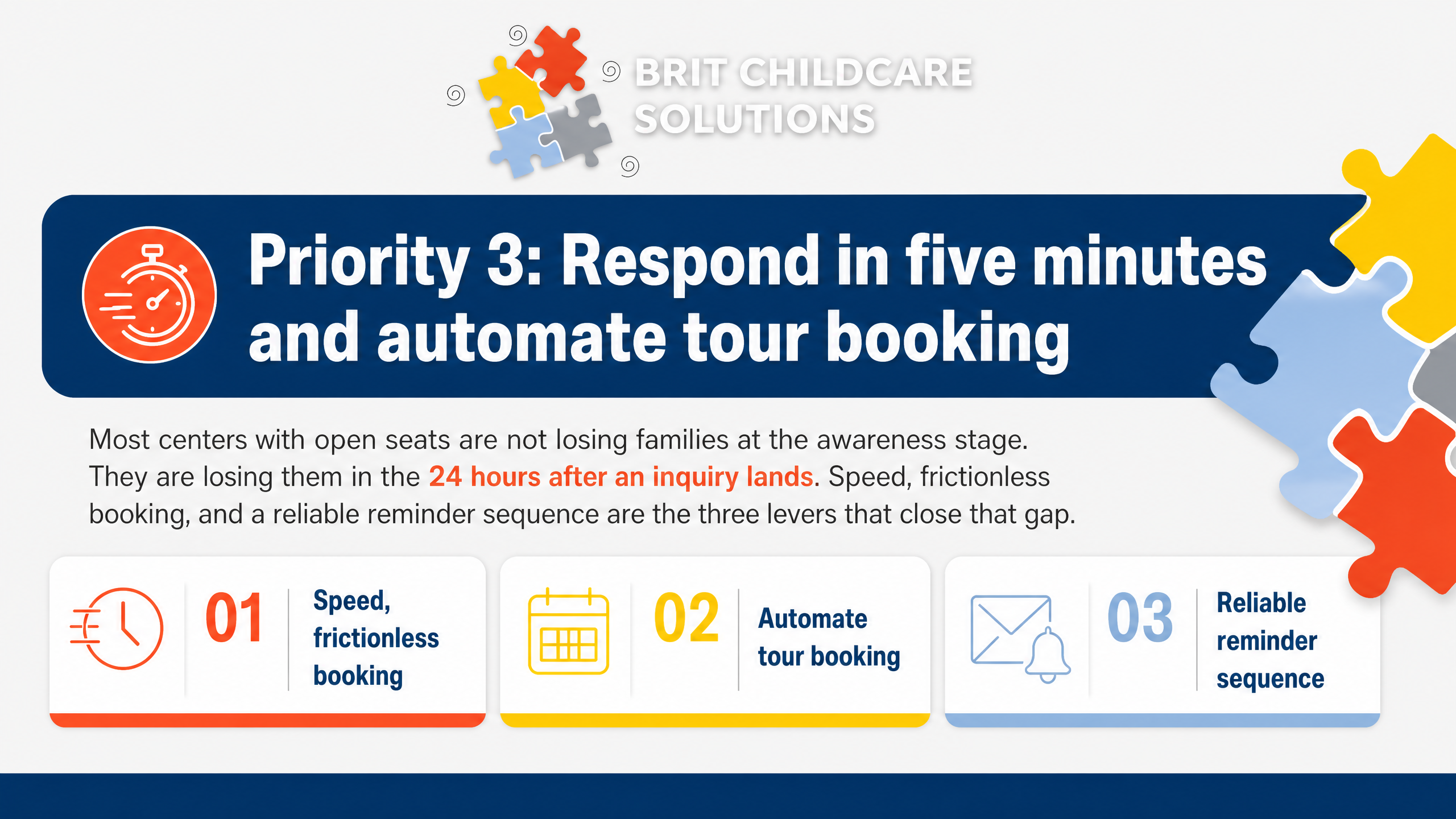
Most centers with open seats are not losing families at the awareness stage. They are losing them in the 24 hours after an inquiry lands. Speed, frictionless booking, and a reliable reminder sequence are the three levers that close that gap.
The five-minute response rule
Harvard Business Review research found that companies responding to a lead within one hour were seven times more likely to qualify it than those that waited longer. Wait 24 hours and that number drops to 60 times less likely. For a Montessori director juggling classrooms and staff, a 24-hour turnaround is not negligence, it is just Tuesday.
The fix is not hiring a receptionist to monitor the inbox on Saturday night. It is automation. An inquiry that arrives at 9 p.m. should receive a warm, specific response within minutes, not the next morning.
That first message sets the tone, confirms you are attentive, and keeps the family from submitting a form to your competitor down the street.
For multi-location operators, the stakes are higher. A lead routed to the wrong inbox or left unassigned over a weekend represents a real seat left empty. Automating the response layer removes that dependency on any single staff member and protects your team from after-hours burnout.
Two-click tour booking
Once a family responds to your outreach, the booking step needs to be nearly effortless. Most parents searching for childcare are on a mobile device, often between pickups and meetings. A form that asks for five fields, a phone call requirement, or a back-and-forth email thread to find a time will cost you the tour.
A well-built booking flow asks for name, phone number, and preferred time, nothing more. The moment a time slot is selected, an automated text confirmation goes out immediately. That confirmation should include your one-sentence parent promise, the address, and what to expect on arrival, so the family arrives oriented and ready.
Name and phone number only, no lengthy intake forms
Mobile-first interface that loads and submits in under 10 seconds
Instant text confirmation with location address and arrival details
Calendar visibility synced across all locations so no double-bookings occur
For centers with two or more locations, unified calendar visibility also gives your team a real-time view of tour volume across sites, which is essential for capacity planning.
No-show prevention sequences
A Cochrane systematic review found that text message reminders reduce missed appointments by 29 to 39 percent compared to no reminders at all. Texts carry a 98 percent open rate versus 20 percent for email. For a Montessori school scheduling 20 tours a month, that difference translates directly into filled seats.
The reminder cadence that works: send a confirmation text immediately after booking, a reminder 48 hours before the tour, and a final nudge the morning of. Each message should reinforce your parent promise, not just repeat the time and address. Families who feel emotionally connected to your school before they arrive are far more likely to show up and enroll.
Every reminder should also include a one-tap reschedule link. Life happens, and a family who reschedules is still a live prospect. A family who ghosts because rescheduling felt complicated is a lost enrollment.
Immediate: confirmation text with parent promise and arrival expectations
48 hours out: reminder with what to bring and what the tour covers
Morning of: final check-in with a reschedule link if needed
BRIT Childcare's Tour Booking and No-Show Prevention System builds this entire sequence into the done-for-you enrollment engine, so your staff never has to manually chase a reminder or track who confirmed.
What a done-for-you enrollment engine changes in practice
Most Montessori directors are not losing families because of weak marketing. They are losing them in the gap between inquiry and tour. A done-for-you enrollment system closes that gap without adding work to your staff.
Where manual follow-up breaks
Manual enrollment processes fail at four predictable points, and each one costs you a seat.
A missed call or a reply that arrives two hours late often ends the conversation. Harvard Business Review research shows firms that respond within one hour are seven times more likely to qualify a lead than those that wait longer. Most childcare offices cannot hit that window consistently.
Beyond response speed, the cracks widen:
Tour confirmations sent inconsistently, or not at all, drive no-shows that staff cannot recover
Multi-location operators lose inquiries when a lead lands at the wrong center and no one reroutes it
Families who go quiet after an initial inquiry are rarely followed up with, leaving warm leads to go cold permanently
Each of these is a fixable process failure, not a lead shortage.
What BRIT runs for you
Our Enrollment Automation System replaces every manual step in that broken process with a structured, automated sequence your staff does not have to manage.
When a family submits an inquiry, the system responds within minutes, routes the lead to the correct location, and presents a two-click tour booking link. Automated text confirmations and reminder sequences run from there, reducing no-shows without anyone on your team sending a single follow-up manually.
Families who went quiet weeks or months ago are re-engaged through stale lead reactivation sequences that run in the background. And every step is tracked in a funnel dashboard by location, so you can see exactly where inquiries convert and where they drop off.
Proof points to benchmark
Our clients consistently reach 10 to 40 scheduled tours per month, with tour show-up rates above 95%. Those are not one-time results.
The compounding effect builds over 30 to 90 days. In the first weeks, you see faster response times and fewer no-shows. By month two or three, the funnel data shows you which inquiry sources convert to enrollments and what your actual cost per enrolled seat looks like.
That is the number that justifies the investment to your board: not clicks, not inquiries, but the cost to put a tuition-paying child in a seat.
You Already Have What You Need to Fill Those Seats
The math in this article points to one clear conclusion: your open seats are not a lead problem. They are a conversion problem. Families are finding you, reaching out, and then slipping away because the response was slow, the booking was complicated, or the reminder never came.
We built BRIT Childcare's Enrollment Automation System specifically for this gap. Our done-for-you system captures every inquiry, responds within five minutes, books tours in two clicks, and sends automated reminders that protect your show-up rate. We also track the four metrics that matter: inquiry-to-tour rate, tour show-up rate, tour-to-enrollment rate, and cost per enrolled seat.
Start with our Five-Minute Leak Check. Walk your current inquiry and tour process the way a parent would and identify exactly where families are dropping off. Then book an enrollment automation strategy call with our team.
We will review your funnel, show you where the conversion gaps are, and put together a done-for-you proposal built around your center's capacity and goals.
Your next enrolled family is already searching. Let's make sure they find you, hear from you, and show up.
